Upload your image
Drop in a photo, render or character design. The subject should fill most of the frame.
Upload a single image and get an actual 3D mesh — geometry you can rotate, open in Blender, drop into a game engine or prepare for printing. This page shows a real conversion with the exact statistics parsed from the output file, so you know what to expect before you start.
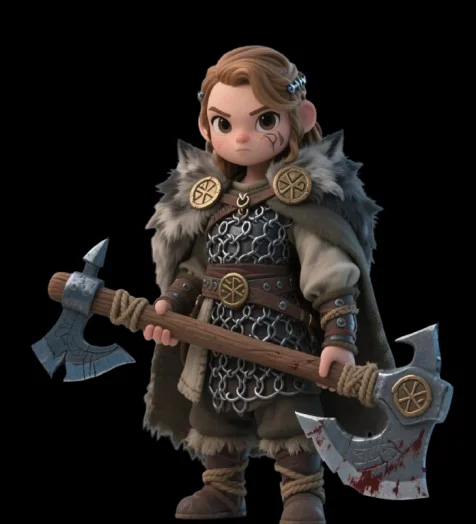
Drop in a photo, render or character design. The subject should fill most of the frame.
Hunyuan3D-2 estimates depth, constructs geometry (~500K triangles at the standard preset) and bakes PBR texture maps.
Rotate the model in the browser and check the inferred back side before downloading.
The exported GLB embeds three 2048×2048 texture maps and opens in Blender, Unity, Unreal and most slicers after conversion.
The generator exports GLB with embedded PBR textures. Need STL for printing or OBJ for a DCC tool? Convert the GLB in Blender (File → Export) — see the image-to-STL workflow page for exact steps.
A real mesh. You download a GLB file containing geometry and textures that any 3D software can open — the example on this page shows the actual triangle and vertex counts parsed from the file.
At the standard preset, roughly 500,000 triangles with about 320,000 vertices — detailed enough for display and printing, and easy to decimate in Blender for game use.
The AI infers the unseen side from the visible one. For symmetric subjects this works well; unique back-side details that were never photographed will be a plausible guess.
Typically about a minute, depending on queue load. You can leave the page and come back — the status keeps updating.