Beautiful, but still flat.
A PNG or JPG can be shared, but it cannot be inspected from every angle, edited in 3D software or sent to a printer.
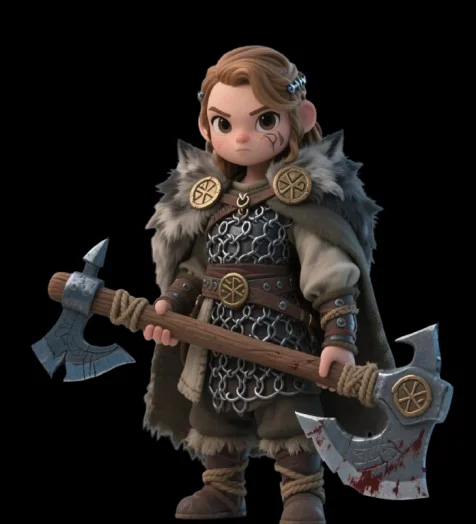 WEBP · no geometry
Real 3D geometry — not just a 3D-style image. Generate a textured mesh from a portrait, pet photo or character design, inspect it in 360°, then download GLB with PBR textures for printing, games and digital art.
Try these examples
Click or drag image here
Supports JPG, PNG, WebP (max 10MB)
Best Image Tips
Each submission uses 1 generation from your monthly plan, including attempts that fail. See our Refund Policy for details.
Upload any product image, AI generates high-quality 3D models with multiple render modes and export formats
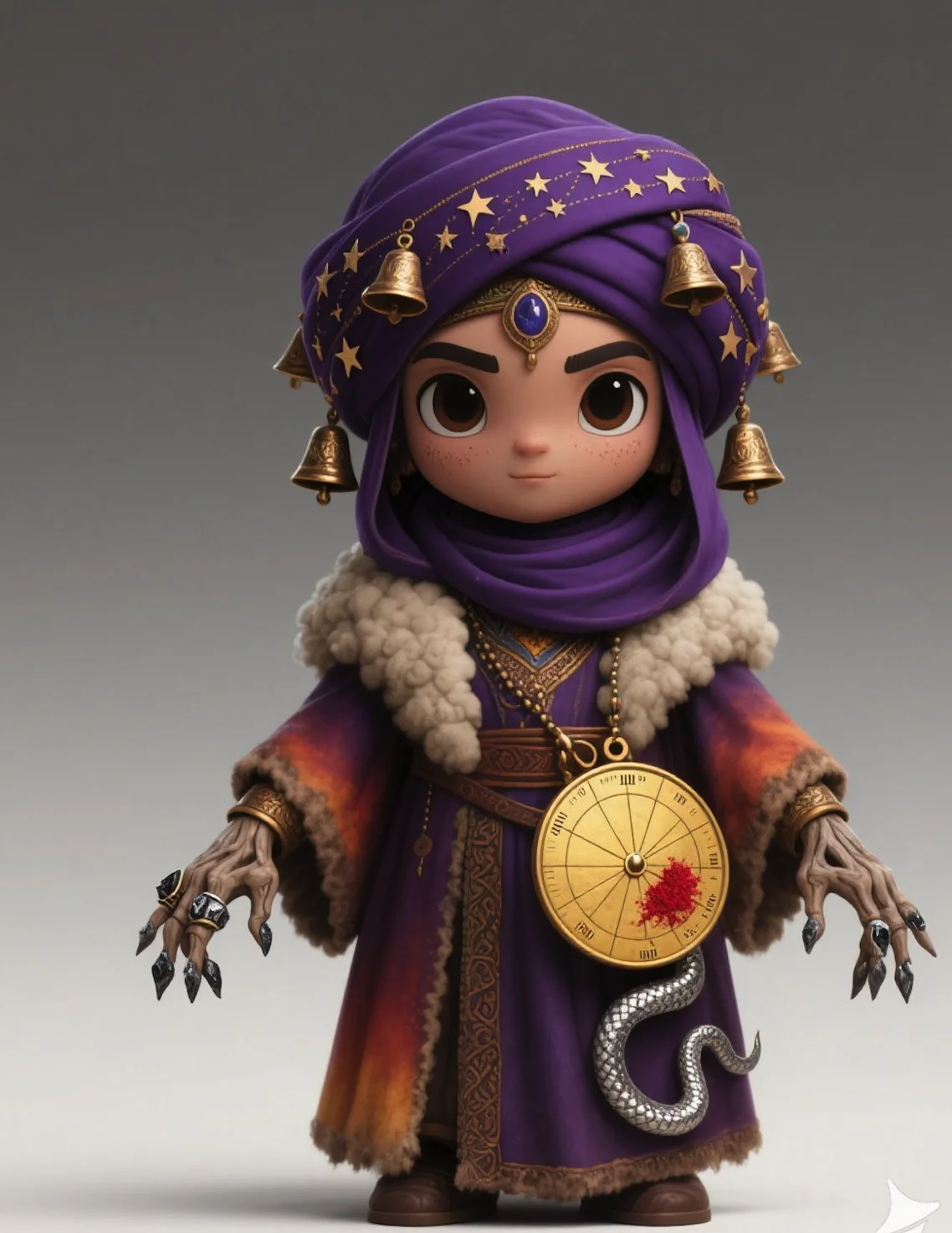
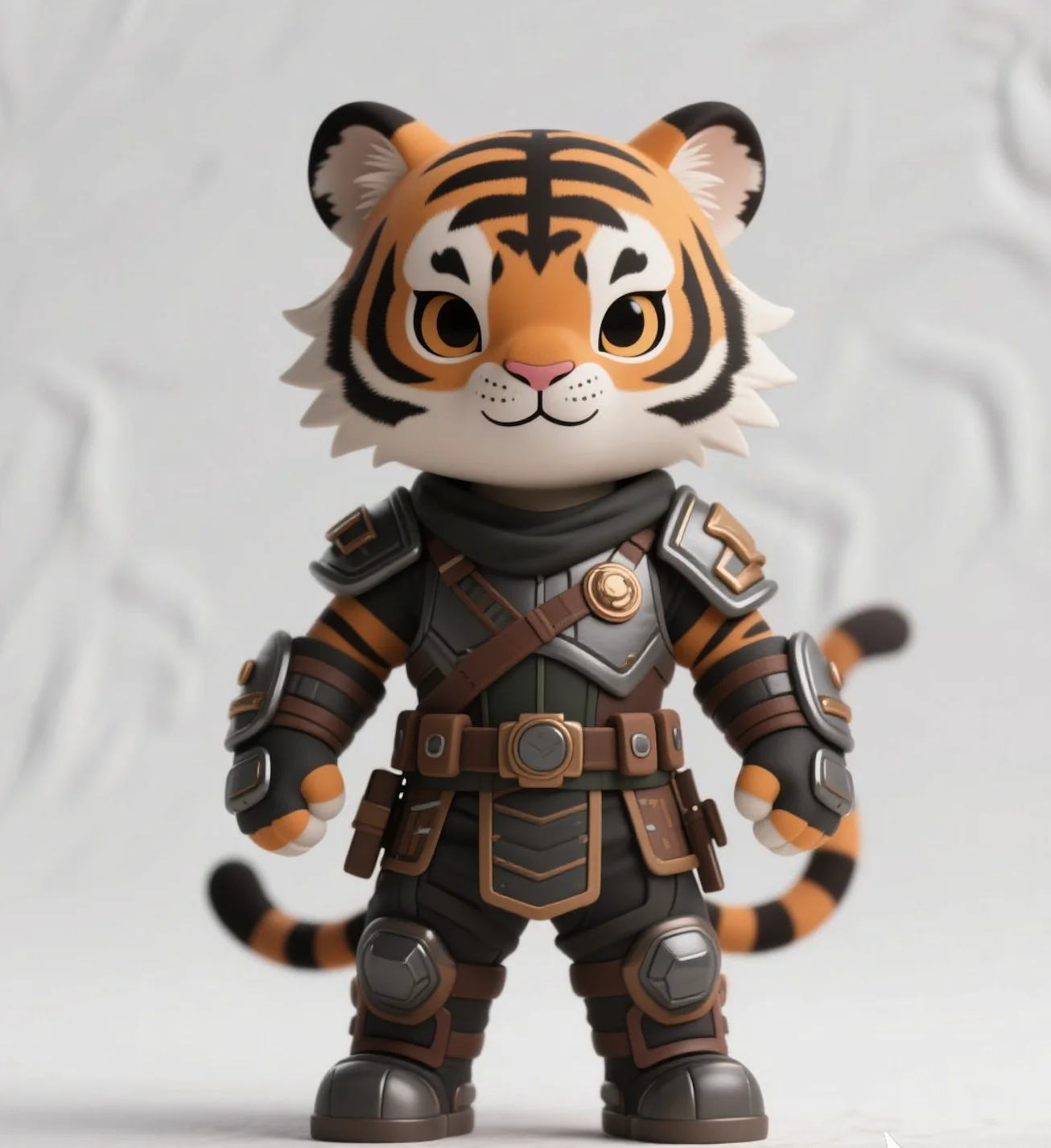
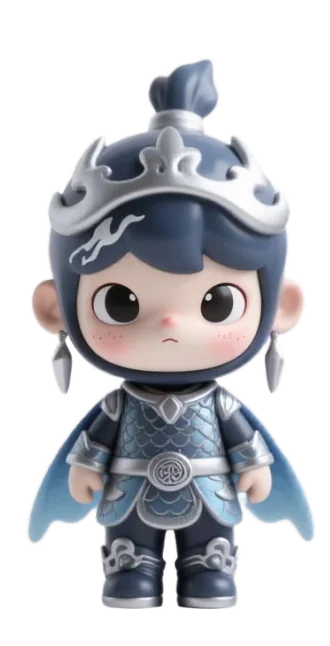
Click any image below to generate a 3D model for free - no login required! Experience the power of our AI with these curated examples.
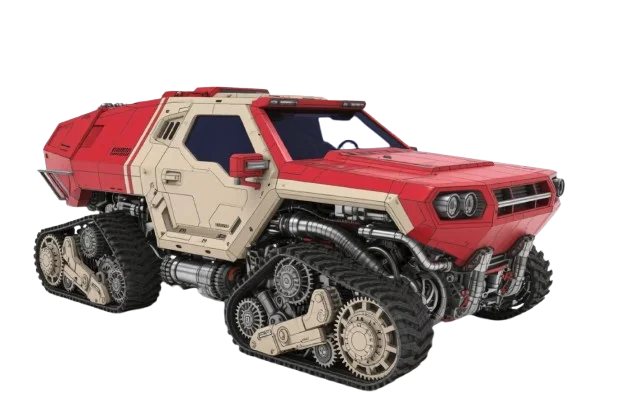
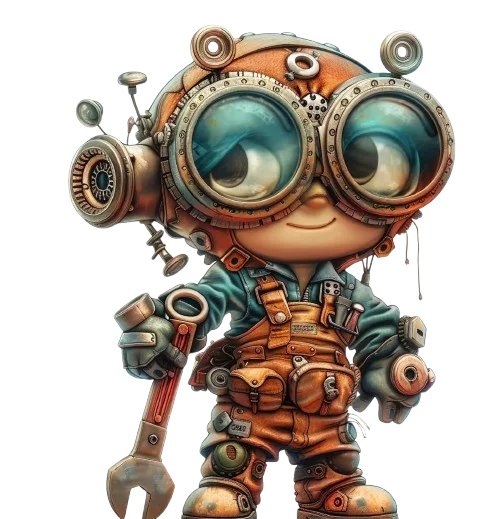
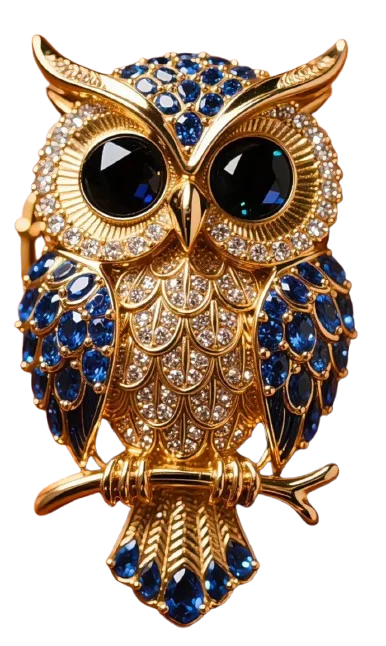
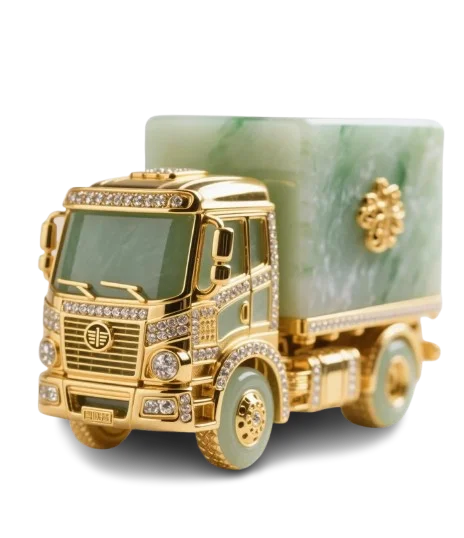
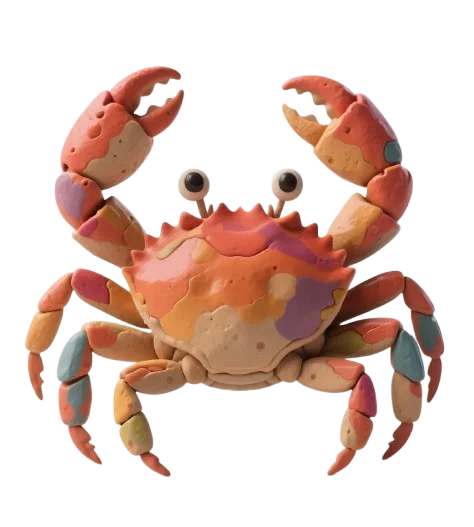
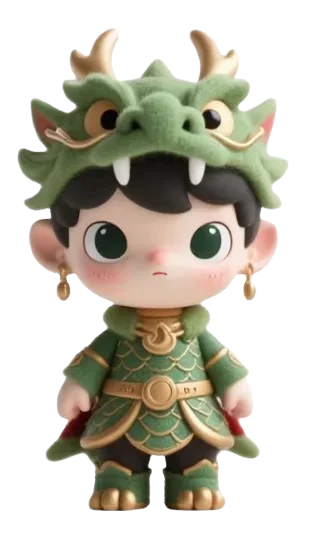
Click any image above to auto-fill the generation form • Free generation for all showcase models
A figurine-style image is nice for inspiration. A real mesh gives you geometry, textures and a file you can open in Blender, drop into a game engine or prepare for a 3D printer.
A PNG or JPG can be shared, but it cannot be inspected from every angle, edited in 3D software or sent to a printer.
WEBP · no geometryThe same image, generated into an actual mesh: rotate it, inspect the surfaces, refine it in 3D software and export for your workflow.
The interface stays simple for beginners while the output remains useful for real 3D workflows.
Use a well-lit portrait, pet photo or character design with a single clear subject. JPG, PNG and WebP are supported.
The AI estimates depth, builds real geometry and creates PBR textures. Most models are ready in about a minute.
Rotate the model in the browser, check the surfaces and textures, and make sure it matches what you expect before downloading.
Download GLB with embedded textures for Blender, Unity or Unreal — or convert to STL for 3D printing.
Turn a selfie or portrait into a display bust or full figurine — a personal keepsake or a one-of-a-kind gift.
A well-lit photo of your dog or cat becomes a keepsake model you can preview in 3D and prepare for a small resin print.
Convert original character art into miniatures for your tabletop campaigns — inspect the mesh before printing.
Use generated GLB meshes with PBR textures as base assets in Blender, Unity or Unreal, ready for further refinement.
Every viewer runs locally in your browser — your files are never uploaded to a server.
Preview GLB, FBX, OBJ and STL files in your browser with rotation, zoom and lighting controls.
Inspect geometry, embedded textures and materials in GLB and glTF files.
Open STL files and inspect the mesh before sending it to your slicer.
View OBJ meshes directly in the browser — no install needed.
Review character meshes and models without installing 3D software.
Master infill 3D printing for custom figurines: optimal patterns, densities, tree supports, and brim vs raft. Get clean, strong prints from your photo-to-3D mod
Fix 3d printer stringing, elephant foot, layer shift, and more. Practical troubleshooting for printing custom 3D figurines from photos.
Compare 3D printer types: FDM vs resin, multi-material, and how to use a 3D printer to turn photos into custom figurines with 3D Figurines.
Transparent limitations build more trust than promising perfect geometry from every photo.
It is a real 3D mesh. You can rotate it 360°, inspect the geometry and textures in the browser, open it in Blender, Unity or Unreal, and prepare it for 3D printing. It is not a flat render styled to look three-dimensional.
Generation typically completes in about a minute, though exact time varies with queue load and image complexity. You can leave the page while your model is in the queue — the status keeps updating when you return.
Models download as GLB with embedded PBR textures — compatible with Blender, Unity, Unreal Engine, Maya and 3ds Max. For 3D printing, GLB can be converted to STL in Blender or your slicer toolchain.
The AI infers the unseen side from the visible one, which works well for people, pets and characters photographed from the front. Fine details that were never visible in the photo are a plausible reconstruction, not a scan — inspect the 360° preview before printing.
A single clear subject, good lighting and minimal background clutter. Front-facing views work best, though various angles can work. JPG, PNG and WebP are supported.
Models are generated as clean meshes suitable for 3D printing, and the GLB output can be converted to STL for most printers. As with any AI-generated mesh, check the preview for thin or intricate areas before committing to a print.
Yes. The Model Creative Plaza lets you explore real pre-generated models from curated images completely free — no account required — so you can judge the quality before subscribing.
Models generated under a paid plan can be used commercially — selling prints, using them in games, or creating merchandise — subject to our Terms of Service and to you having the rights to the input image.
Your upload is used to generate your model and is linked to your account. See our Privacy Policy for details on storage and retention.
We use Tencent's Hunyuan3D-2, one of the most advanced image-to-3D models available, tuned for high-quality figurine-style output with detailed textures.
Explore free sample models first. Subscribe only when you're ready to generate from your own photos.